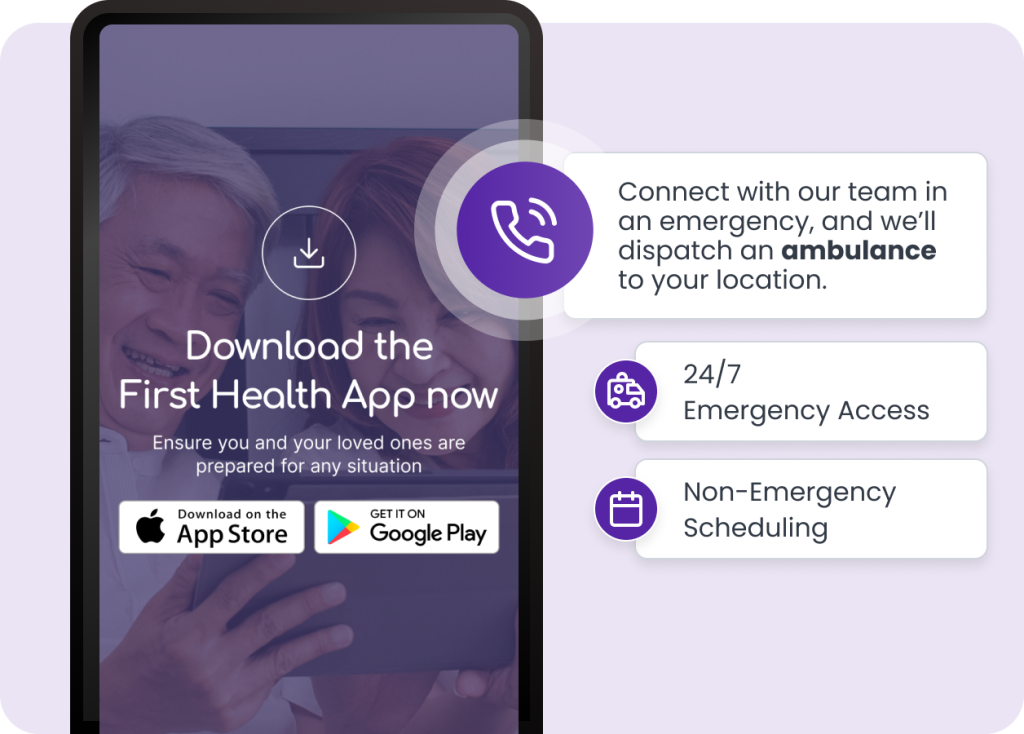
Get started by downloading the app from the App Store or Google Play. From booking to tracking — everything you need is right inside the app.
STEP 2
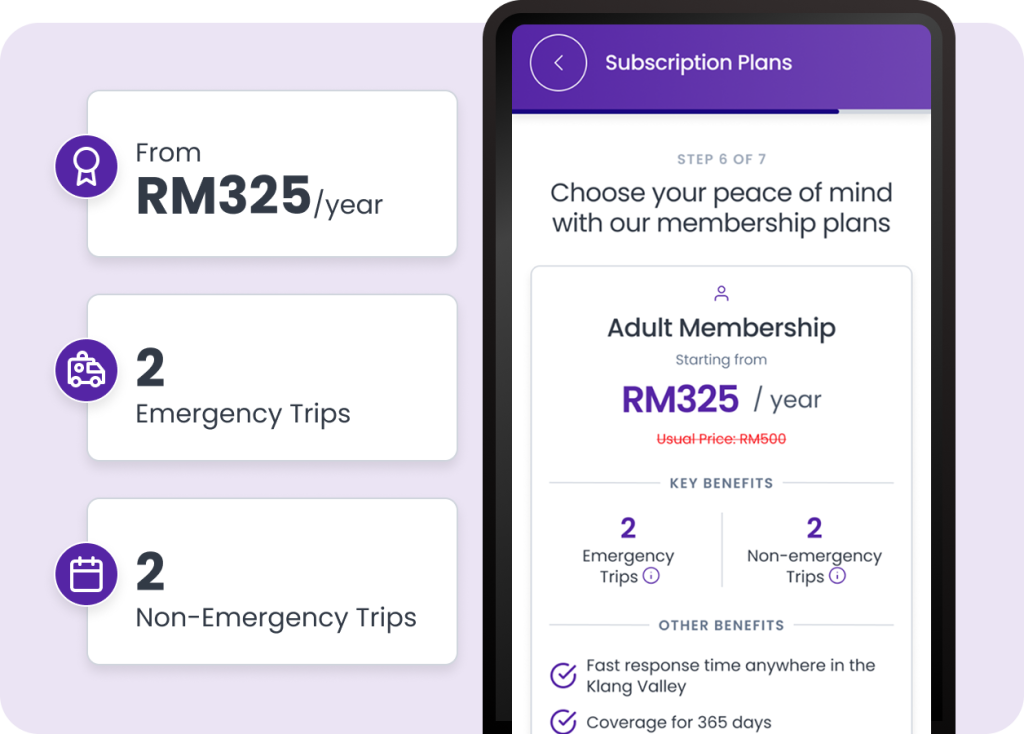
Choose the Plan That Fits You
Pick the membership that matches your needs — whether for yourself, a parent, or your family. Each plan gives you access to emergency and non-emergency trips without the high costs of standard ambulance services.
STEP 3
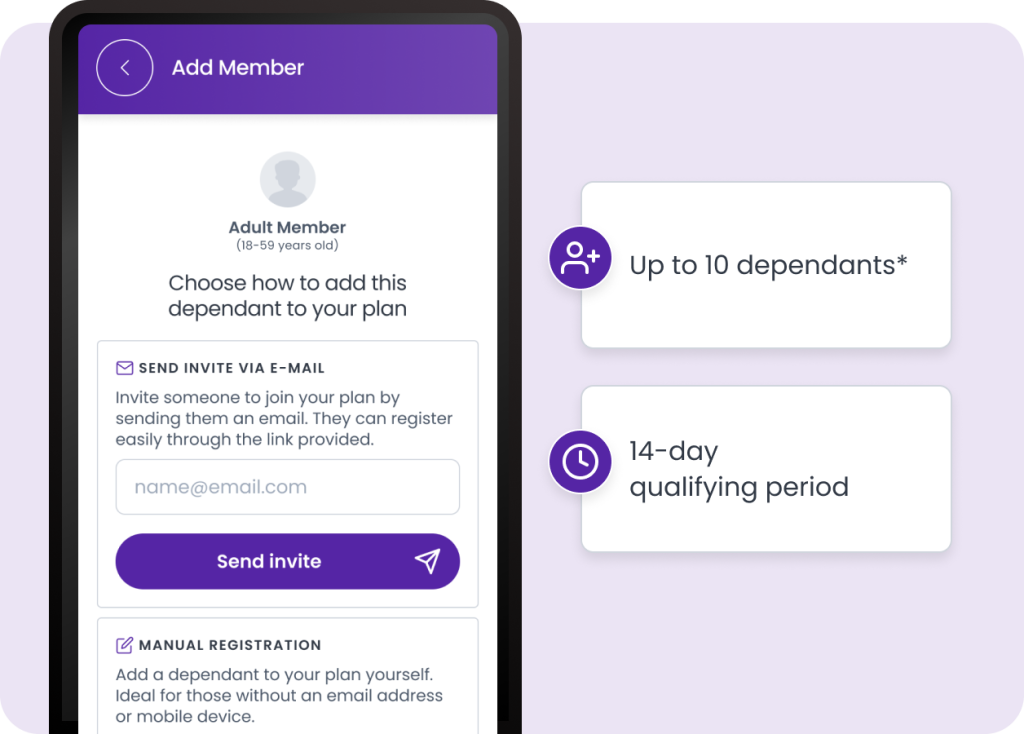
Add Dependants Easily
Extend your plan to loved ones — like your spouse, kids, or elderly parents — all within the app. Each dependant gets the same coverage, and you stay in control from one simple dashboard.
STEP 4
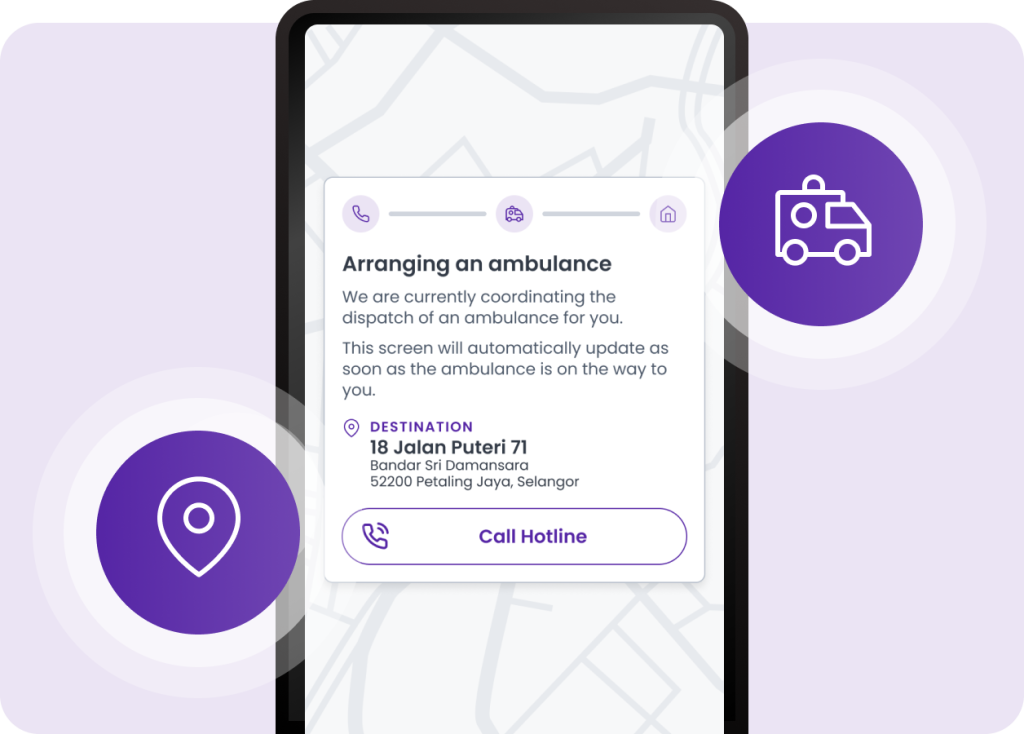
Call for Help in Seconds
In an emergency, just tap the hotline or use the app. We’ll connect you to the nearest available ambulance and keep you updated every step of the way — with live tracking and support until help arrives.
STEP 5
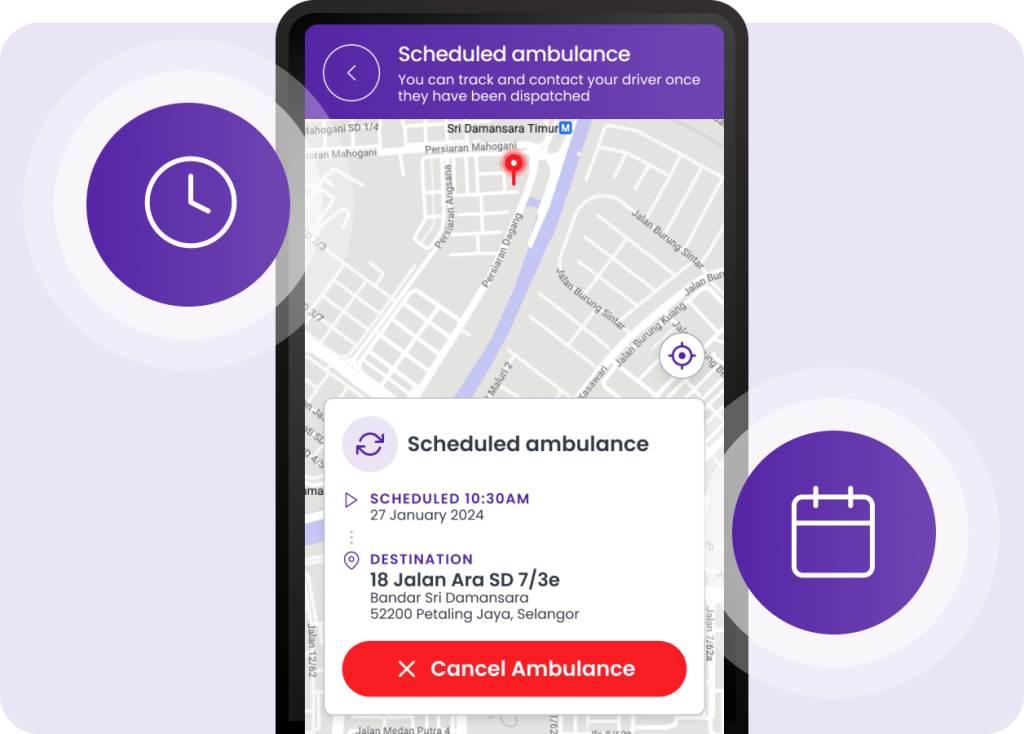
Book Routine Trips with Confidence
Use First Health for more than just emergencies. From follow-up appointments to dialysis sessions, you can schedule non-emergency transport directly in the app — with guaranteed service and no surprises.